Art in Motion: Introducing Animation to Young Creatives
25 January 2026
Animation is more than just cartoons on a screen. It’s an art form that breathes life into drawings, making them move, talk, and tell stories. For young creatives, animation is an exciting way to express ideas, stretch their imagination, and develop essential artistic and technical skills.
But where do kids start? How can parents and educators inspire creativity through animation? Let’s dive into the animated world and see how we can introduce this incredible medium to the next generation of storytellers. 
🎨 Why Animation is Perfect for Young Creatives
Animation isn’t just fun—it’s a powerful tool for creative expression. Kids naturally have wild imaginations, and animation gives them a way to turn those daydreams into moving stories. Here’s why animation is perfect for young minds:- Encourages Creativity – Kids can create anything they imagine, from magical creatures to futuristic worlds.
- Develops Problem-Solving Skills – Animation involves planning, sequencing, and critical thinking.
- Boosts Patience & Perseverance – Making an animation takes time, teaching kids persistence.
- Enhances Technological Skills – They gain experience with digital tools, which are valuable in today’s tech-driven world.
Whether they’re sketching flipbooks or experimenting with digital tools, animation helps kids build skills they’ll use for a lifetime. 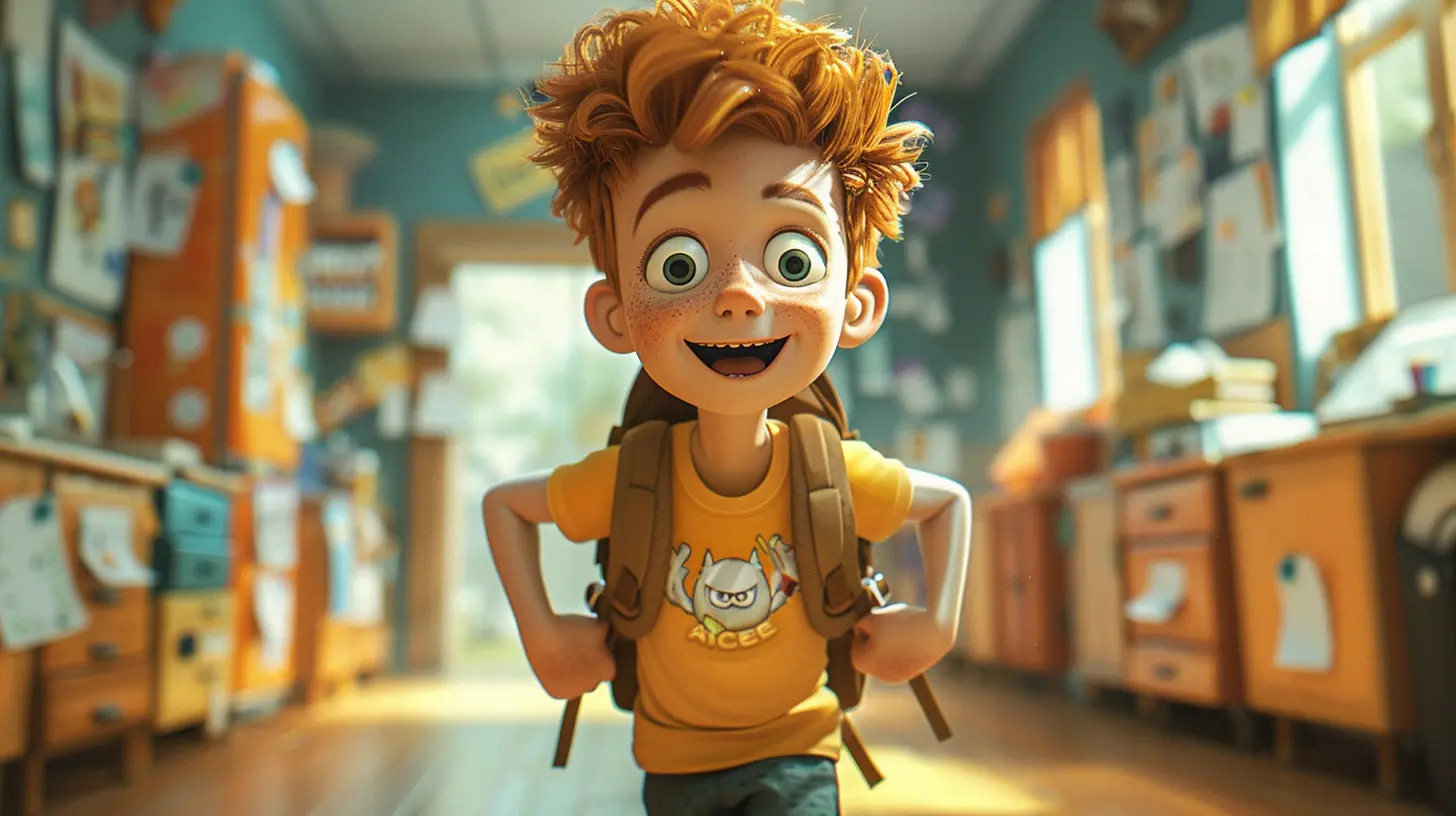
🖌️ Different Types of Animation for Beginners
Animation comes in many forms, and depending on the child's interest and skill level, they can explore various techniques:1. Stop Motion Animation
Remember those claymation movies like Wallace & Gromit? That’s stop motion! Kids can animate toys, clay figures, or even paper cutouts frame by frame. It’s a great hands-on way to learn animation without needing fancy software.2. Flipbook Animation
One of the simplest ways to understand animation is by drawing a series of images on the corners of a notebook and flipping them quickly. This old-school technique shows kids the magic of frame-by-frame movement.3. 2D Digital Animation
Programs like Toon Boom Harmony, Krita, or even free apps like Flipaclip let kids create cartoons on a tablet or computer. This is a great path for budding artists who love to draw.4. 3D Animation
For kids interested in Pixar-style animation, software like Blender and Tinkercad provide beginner-friendly ways to create 3D animations. While more complex, 3D animation teaches problem-solving and spatial awareness.5. GIF and Loop Animations
Before diving into full-blown animations, kids can experiment with short, looping GIFs using tools like Piskel or Procreate. These mini-animations are quick to make and perfect for social media sharing!
🛠️ Essential Tools & Software for Young Animators
Getting started with animation doesn’t mean buying expensive software. Here are some beginner-friendly tools that make animation fun and accessible:For Traditional Animation
- Flipaclip – A beginner-friendly app for hand-drawn animations- Pencil2D – Free, open-source software for 2D animation
- Krita – Great for digital painting & frame-by-frame animation
For Stop Motion
- Stop Motion Studio – Perfect for creating stop motion animations using a phone- Clideo – An easy online tool for stop motion beginners
For 3D Animation
- Blender – A powerful free tool for creating 3D animation- Tinkercad – A great introductory 3D modeling tool for kids
Many of these tools are free or have trial versions, so young artists can experiment before committing to a paid program. 
🎬 Step-by-Step Guide to Getting Started
Want to introduce animation to your child or students? Here’s a simple roadmap to get started:Step 1: Start with Storytelling
Before jumping into animation, help kids brainstorm a short story. Encourage them to think about:- Who is the main character?
- What happens in the story?
- How does it end?
Even a simple 5-second animation needs a beginning, middle, and end.
Step 2: Sketch Simple Characters
Encourage kids to start with basic shapes—circles, squares, and triangles. This keeps characters easy to animate.Step 3: Learn the “12 Principles of Animation”
Even young beginners can grasp fundamental animation principles like squash & stretch, anticipation, and timing to make their animations more alive. YouTube has beginner-friendly videos explaining these concepts in a fun, visual way.Step 4: Choose an Animation Method
- For traditional animation, use Flipaclip or Pencil2D.- For stop motion, grab some clay or LEGOs and use Stop Motion Studio.
- For GIFs, use Piskel or Procreate’s animation assist feature.
Step 5: Add Sound & Polish
Once the animation takes shape, introduce kids to simple sound effects and music to enhance their projects. Apps like GarageBand can help with this.👨🏫 Tips for Parents & Educators
Helping kids explore animation can be rewarding, but also challenging. Here are some tips to keep them engaged:- Make it fun, not stressful. Let kids experiment without pressure.
- Celebrate small wins. Even a 3-second animation is an achievement!
- Encourage collaboration. Friends can work on projects together.
- Introduce them to inspiring animations. Watching classics like The Lion King or Spider-Man: Into the Spider-Verse can spark creativity.
🌎 The Future of Young Animators
Animation is everywhere—from blockbuster movies to video games, education, and even advertising. By introducing animation to kids early, we’re equipping them with skills for creative careers in animation, graphic design, game development, and even filmmaking.Some young animators even gain recognition on YouTube, TikTok, or Instagram, turning their passions into careers. Who knows? Maybe your child’s doodles today will become the next big animated series!
✨ Final Thoughts
Animation is more than just drawing—it’s storytelling, creativity, and problem-solving rolled into one. With the right tools, encouragement, and a little patience, young creatives can bring their imaginations to life through animation.So why wait? Hand them a sketchbook, open an animation app, and watch their ideas move and dance across the screen. Who knows? The next Walt Disney or Hayao Miyazaki might just be sitting at your kitchen table, ready to create their first masterpiece!
all images in this post were generated using AI tools
Category:
Art EducationAuthor:

Olivia Chapman
Discussion
rate this article
2 comments
Verity Powell
Animation is a powerful medium that nurtures creativity and storytelling in young minds. By introducing them to this art form, we empower the next generation to express their ideas in dynamic and engaging ways.
February 11, 2026 at 12:37 PM
Olivia Chapman
Thank you for your insight! Absolutely, animation not only ignites creativity but also offers a unique platform for self-expression and storytelling in young minds.
Ulysses McFarland
This article beautifully highlights the significance of animation in nurturing creativity among young minds. It’s inspiring to see how motion can transform ideas, igniting passion and innovation in the next generation of artists.
January 28, 2026 at 5:45 AM
Olivia Chapman
Thank you for your thoughtful comment! I'm glad you found the article inspiring and that it resonates with the importance of animation in fostering creativity.