How to Design a Virtual Classroom for Maximum Engagement
5 February 2026
Welcome to the digital age of education, where chalkboards are replaced by screens and traditional classrooms by virtual spaces. But here's the catch — creating a virtual classroom isn’t just about turning on your webcam and sharing a PowerPoint. Nope. It’s so much more than that.
Designing a virtual classroom that keeps students hooked, engaged, and excited? Now that’s an art form. But don’t worry, whether you're a seasoned educator or a newbie trying to figure out Zoom, we’ll walk through every step together.
So, let’s jump right into how to design a virtual classroom for maximum engagement — one that sparks curiosity, encourages interaction, and leaves students actually looking forward to class.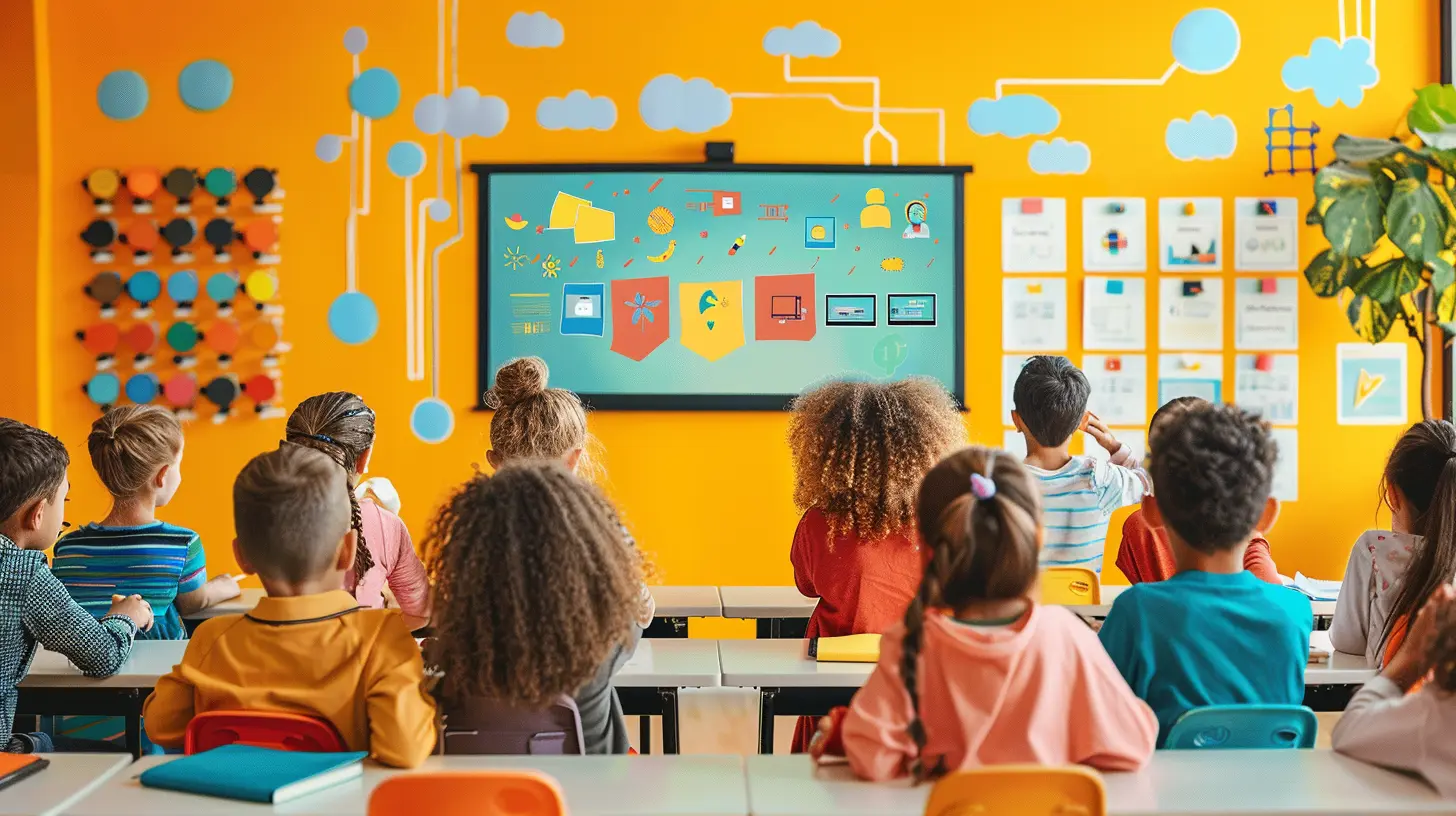
Why Virtual Classroom Design Matters
Let’s be real — the novelty of online learning wore off a long time ago.Now more than ever, teachers need to move beyond just showing up on a screen. Think of your virtual classroom as your “stage,” and you’re the performer. Would you show up to perform without rehearsing or checking your mic? Exactly.
When your virtual classroom is thoughtfully designed, it becomes more than just a place to consume content. It becomes interactive, dynamic, and even... fun. That emotional connection leads to better learning outcomes, increased participation, and way less Zoom fatigue.
1. Understand Your Learners First
Before diving into platforms, layouts, or tech tools, pause. Ask yourself a simple question: “Who am I teaching?”Are your students elementary kids with short attention spans, high schoolers juggling exams, or college students used to independent study?
Here’s why this matters:
- Younger students need visuals, games, and lots of interaction.
- Older students want clarity, flexibility, and application-based lessons.
- Adult learners appreciate structured lessons, peer discussion, and real-world examples.
Knowing your audience is like setting the GPS before the trip. It determines your direction.
2. Choose the Right Platform
Choosing the platform is like picking the right car for your journey. You don’t use a racecar for an off-road adventure, right?Here are some popular (and powerful) platforms:
- Zoom – Great for live classes, breakout rooms, screen-sharing.
- Google Classroom – Good for organizing assignments, announcements, and materials.
- Microsoft Teams – Robust for communication and integrated tools.
- Moodle or Canvas – Perfect for larger courses needing tracking, forums, and modules.
Pick one that aligns with your teaching style and your students’ needs. Bonus tip? Stick with one or two platforms max. Spreading thin across multiple tools overwhelms everyone.
3. Set Up a Visually Engaging Layout
Let’s talk classroom aesthetics — even in a virtual world, looks matter.Your virtual classroom interface should be:
- Clean and uncluttered – Avoid overwhelming students with too many tabs or icons.
- Color-coded – Use consistent colors to differentiate topics or levels.
- Intuitive – Make sure students don’t need a 10-page manual to find homework.
Also, personalize your background! A fun digital backdrop or even a shared virtual “classroom wall” can bring a sense of belonging and familiarity. Think virtual posters, motivational quotes, or a weekly student spotlight.
4. Make Communication a Two-Way Street
Lack of interaction is the fast track to disengagement. No one likes to sit through a monologue, especially on a screen.Use these tactics to boost communication:
- Start every class with a quick question (e.g., "What's one word for your mood today?")
- Use chat polls or word clouds to get instant reactions.
- Encourage hand-raising and reactions — Even emojis can do wonders.
Here’s a pro tip: call students by their names often. It’s a small thing, but it creates connection — kind of like waving at someone across the street instead of just nodding.
5. Incorporate Multiple Learning Modalities
Not everyone learns the same way. Some of us learn by seeing, others by doing, and let’s not forget the ones who need to talk things through.Here's how to mix it up and keep everyone engaged:
- Visuals – Use videos, infographics, and colorful slides.
- Audio – Offer podcasts or voice recordings for on-the-go learning.
- Kinesthetic – Assign hands-on tasks students can do offline (e.g., build a model, conduct an experiment).
- Reading/Writing – Include digital journals, discussion boards, and e-books.
Think of this as a buffet. Give your students options. The more senses you appeal to, the more memorable the content becomes.
6. Set Clear Expectations and Routines
Structure is your best friend in a virtual classroom. Without it, students can feel like they're floating in digital space without direction.Establish routines like:
- Weekly overviews so students know what’s coming.
- Check-in days for live sessions and Q&As.
- Assignment deadlines – clear, consistent, and well-communicated.
- Participation norms – cameras on? Mics muted? Breakout room etiquette?
Spell everything out early. This prevents confusion, reduces stress, and keeps things running like a well-oiled machine.
7. Use Technology to Level Up Engagement
A little tech can go a long way — but only when used wisely. You don’t need every shiny new app, just the right ones.Here are a few game-changers:
- Kahoot or Quizizz for gamified quizzes
- Padlet for collaborative boards
- Jamboard or Whiteboard.fi for group brainstorming
- Nearpod – makes your slides interactive with quizzes, polls, and drawing tools
- Flipgrid – lets students record and share short video replies, perfect for shy students
These tools add flavor to your lesson like seasoning in a good meal. Not too much, not too little — just enough to make the content sing.
8. Foster a Sense of Community
Let’s not forget the social aspect of learning. In physical classrooms, students bond during recess or group projects. In virtual classrooms, that connection can easily fizzle.You’ve got to nurture it.
- Create breakout rooms for small group discussions
- Host virtual icebreakers now and then
- Celebrate birthdays, wins, or milestones
- Start a student-led club or forum related to the subject
Think of it as building your own little online learning village. When students feel they belong, participation skyrockets.
9. Give Frequent, Meaningful Feedback
No one likes talking into a void. If your students put effort into work, they deserve more than just a grade.Make feedback:
- Timely – Don’t wait weeks. The sooner, the better.
- Specific – “Nice work” is fine, but “Great analysis on the second point, especially how you explained the cause-effect link” is powerful.
- Encouraging – Highlight strengths before pointing out improvements.
Also, encourage peer feedback. It not only builds community but also develops critical thinking.
10. Keep It Fresh and Fun
Finally — don’t let monotony kill the magic.Here’s how to keep your virtual classroom feeling like a Netflix series rather than a tax seminar:
- Theme days (e.g., “Trivia Tuesday” or “Feedback Friday”)
- Guest speakers via Zoom
- Creative assignments – Let students create memes, podcasts, or video skits
- Mystery activities where students only find out the task during class
Remember: engagement isn’t a one-time thing. It’s like a plant — you have to water it regularly. Keep experimenting, adjusting, and evolving based on student feedback.
Final Thoughts
Designing a virtual classroom for maximum engagement takes heart, a dash of tech, a pinch of creativity, and a whole lot of empathy.It’s not about being perfect. It’s about being present — showing up each day ready to connect, adapt, and inspire. Because at the end of the day, learning isn’t about fancy platforms or polished slides. It’s about human connection, the kind that makes students lean closer to their screen, not away from it.
So whether you're just beginning or looking to refine your setup, take these tips and make them your own. Because your virtual classroom? It has the potential to be pretty amazing.
all images in this post were generated using AI tools
Category:
Virtual ClassroomsAuthor:

Olivia Chapman
Discussion
rate this article
2 comments
Greta McGuffin
This article offers valuable insights into creating an engaging virtual classroom. By prioritizing interactivity, diverse resources, and fostering community, educators can enhance student participation and learning outcomes in an increasingly digital education landscape.
February 24, 2026 at 4:18 AM
Olivia Chapman
Thank you for your feedback! I'm glad you found the insights valuable for enhancing engagement in virtual classrooms.
Peregrine McFarlin
This article offers valuable insights into creating an engaging virtual classroom. By focusing on interaction and inclusivity, educators can foster a more connected and dynamic learning environment. Great tips!
February 7, 2026 at 5:58 AM
Olivia Chapman
Thank you for your kind words! I'm glad you found the insights valuable for enhancing virtual classroom engagement.