How to Effectively Use Breakout Rooms in Virtual Teaching
26 February 2026
Let's get real for a sec—online teaching isn’t just clicking slides and praying your students aren't binge-watching Netflix in another tab. If you're not using breakout rooms, you're basically hosting a one-person show while your class silently zones out. So, how do you spice things up, keep students engaged, and actually get them to talk to each other? Welcome to the fabulous world of breakout rooms! 🧠✨
These little digital gems can turn your virtual snooze-fest into an interactive playground of learning, zero hallway passes required. So, slip into your comfy chair and buckle up—we’re diving deep into how to effectively use breakout rooms in virtual teaching. And spoiler alert: it’s way more than just pressing the “Assign” button.
🧩 Wait, What Are Breakout Rooms Anyway?
Breakout rooms are like the group projects of the virtual world—but they actually work (well, if done right). They’re smaller, private video chat rooms that branch off from the main session. Think of them as your virtual side hustles where students collaborate, discuss, and—dare I say it—engage.Most platforms like Zoom, Google Meet, and Microsoft Teams have breakout room features. You assign students into groups, send them off to their mini-room, and voila! It’s like splitting the classroom into little learning bubbles.
💡 Why Even Bother With Breakout Rooms?
Okay, let’s cut to the chase—what's the big deal? Why not just teach through a shared screen and call it a day?Because that’s BO-RING.
Breakout rooms:
- Encourage collaboration and peer-to-peer learning
- Get shy students talking (because hey, a smaller room is less intimidating!)
- Make lessons more student-centered
- Provide space for hands-on learning
- Just make your life easier when you’re not the only one talking!
It's like going from solo karaoke to a full-blown jam session—you don't have to carry the whole tune alone.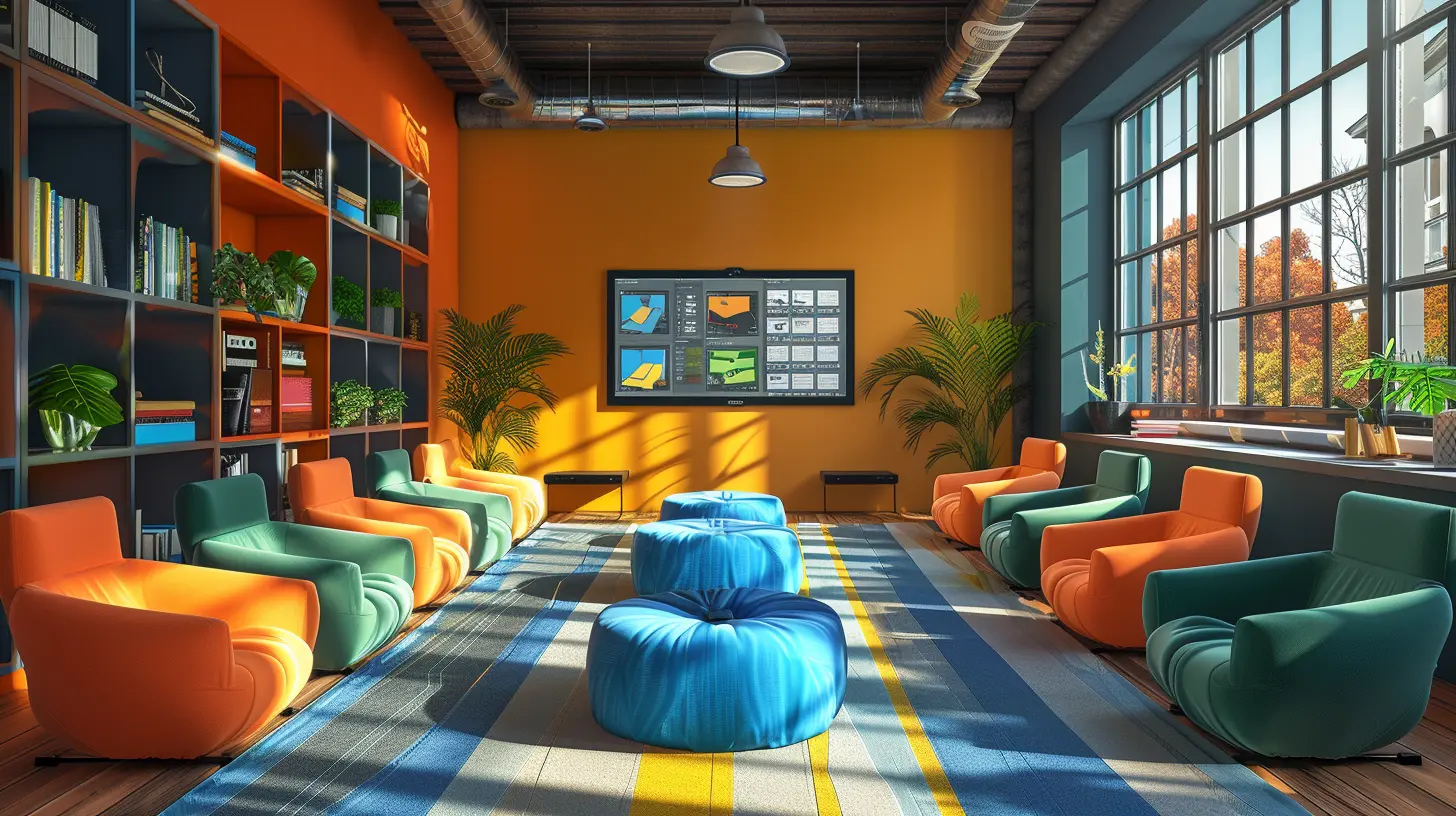
🎯 Setting the Stage: Prep Before You Pop ‘Em Into Rooms
Before sending students off into cyberspace, a little prep can go a loooong way. Think of it like throwing a dinner party—you wouldn’t shove guests into the dining room without food and awkwardly run away, right?1. Know Your Tech
First things first—get cozy with the breakout room settings on your chosen platform. Zoom has great automated and manual options. Google Meet recently added breakout rooms too, but you’ll need to be using a Workspace for Education account. Play around, click all the buttons, and yes—even do a test run.2. Set Clear Expectations
Don’t just say, “Okay, now, go talk!” You’ll get crickets. Every. Single. Time.Be crystal clear:
- What’s the task?
- What should they produce or share back?
- How much time do they have?
- Are there roles (like a time-keeper, note-taker, spokesperson)?
No one likes walking into a room with no idea what’s going on. Give them a roadmap.
3. Assign Roles Like a Boss
Assign roles to make sure no one sits back and becomes a digital ghost.Here are a few go-to options:
- Facilitator – Keeps the convo flowing
- Note-taker – Jots down the genius
- Time-keeper – Keeps everyone on schedule
- Presenter – Shares back to the main group
This helps every student feel responsible and keeps the room from turning into a silent standoff.
🚀 During the Breakout: Managing the Chaos (With Style)
Your students are now in little digital pods. Do you sit back and sip coffee? Not quite. This is where the magic (and a bit of micromanaging) happens.1. Pop In Like a Friendly Ghost
Drop into breakout rooms like a helpful little spirit. Just don’t hover—no one likes a bossy ghost.Check in, answer questions, offer clarity, and make sure people aren’t just staring at each other like it's the zombie apocalypse.
2. Use Broadcast Messages Wisely
Most platforms let you broadcast messages to all groups. This is gold.Use it to:
- Remind them of the task
- Give time updates
- Drop juicy hints or challenges
It’s like being a game show host—keep the energy alive and the instructions clear.
3. Keep the Energy High
Group work in a virtual setting can fall flat if you let it. Have some pre-prepped discussion prompts, quirky questions, or even a mini-competition to jumpstart things.Let them know you’ll be checking in and expect input. When they know you’re watching (not in a creepy way), they stay more focused.
🎤 After the Room: Bring It Back, Wrap It Tight
You’ve broken the class into groups. They’ve talked, laughed, maybe even learned something. Now what?1. Debrief Like a Pro
Don’t just say, “Okay, welcome back!” and move on.Instead:
- Ask one student from each group to share their top takeaway
- Use a shared doc or Jamboard to write out findings
- Reflect: What worked, what didn’t, what questions popped up?
Give students a chance to see what other groups came up with. It reinforces learning and shows them their work mattered.
2. Celebrate Participation
Even if the results were a bit...meh, hype up the effort. Call out specific behaviors you liked:- “Loved how Group 3 summarized their main idea!”
- “Awesome job staying on task, Group 2!”
Positive reinforcement = more of that behavior next time.
🎒 Breakout Room Ideas You Can Steal (You're Welcome)
If you’re stuck thinking, “What the heck do I DO in these rooms?” I got you. Here are a few breakout room activities that slay:🧠 Think-Pair-Share (The OG)
1. Pose a juicy question2. Let them think solo
3. Break ‘em into pairs to discuss
4. Share back in the main room
Simple. Powerful. Classic.
🎭 Role-Playing Scenarios
Great for lit classes, history, or even science ethics.Example: “Pretend you're on a jury deciding a scientific breakthrough’s consequences. Argue your side!”
Let them unleash their inner drama kid.
🧩 Puzzle Challenges
Give each group a piece of a larger problem. When you come back together, it all fits.Teamwork + problem-solving = chef’s kiss 👨🍳💋
🔄 Peer Feedback Sessions
Have students share projects or drafts in pairs/small groups. Let them give and receive feedback.You’ll be shocked how much they learn from each other.
⚠️ Common Mistakes That Murder the Vibe
Let’s avoid the rookie errors, yeah?❌ No Clear Directions
We already talked about this—don’t do it. Confusion kills engagement.❌ Too Many People Per Room
Keep it between 2–5 students max. More than that = chaos and freeloading.❌ Not Checking In
Your students will absolutely go off-task or freeze up if you abandon them. Pop in, guide, support.❌ Skipping the Debrief
If you skip the wrap-up, it’s like leaving a movie before the ending. Don’t do it. Ever.🏆 Pro-Tips to Be the Breakout Room Queen (or King or Ruler 👑)
- Use timer features to auto-close rooms- Rotate group members each week to mix it up
- Use icebreakers to warm up before the real task
- Have a backup plan if tech fails (because it will)
- Record sessions (with permission) for recaps and reflection
Breakout rooms aren’t just a gimmick—they’re your secret weapon for turning passive learners into active participants.
🎯 Final Thoughts
Let’s be blunt—if you’re not using breakout rooms wisely, you’re missing out on some serious virtual teaching power. They’re versatile, they’re engaging, and they help bring back that sense of connection we all crave in the online world.So next time you start a virtual lesson, don’t just share your screen and start lecturing. Split ‘em up, shake things up, and watch the magic happen.
Because in the world of virtual teaching? Breakout rooms aren’t optional. They’re essential.
all images in this post were generated using AI tools
Category:
Virtual ClassroomsAuthor:

Olivia Chapman
Discussion
rate this article
2 comments
Halle Frye
Great tips! Breakout rooms can really enhance engagement. Can't wait to try these strategies in my next class!
March 11, 2026 at 3:39 AM
Olivia Chapman
Thank you! I'm glad you found the tips helpful. Enjoy implementing them in your next class!
Zephyris Forbes
Breakout rooms are transformative for virtual teaching. They foster collaboration and engagement—when used strategically, they can significantly enhance learning outcomes. Embrace their potential!
February 26, 2026 at 12:53 PM
Olivia Chapman
Thank you for your insightful comment! I completely agree—strategic use of breakout rooms can indeed elevate the learning experience and promote meaningful interactions among students.