How to Use Learning Stations for Differentiated Instruction
27 January 2026
In today’s classrooms, you’ll find students who learn at different speeds, have diverse interests, and come with varying levels of prior knowledge. As an educator, it’s essential to meet all these unique needs while keeping the learning experience enjoyable and effective. Sounds like a challenge, right? That’s where learning stations come into play. Learning stations are a fantastic way to implement differentiated instruction, which caters to the individual needs of students.
So, if you've ever wondered how to juggle teaching a classroom full of diverse learners, let me introduce you to learning stations—a game-changing strategy for differentiated instruction. Ready? Let’s dive in!

What Are Learning Stations?
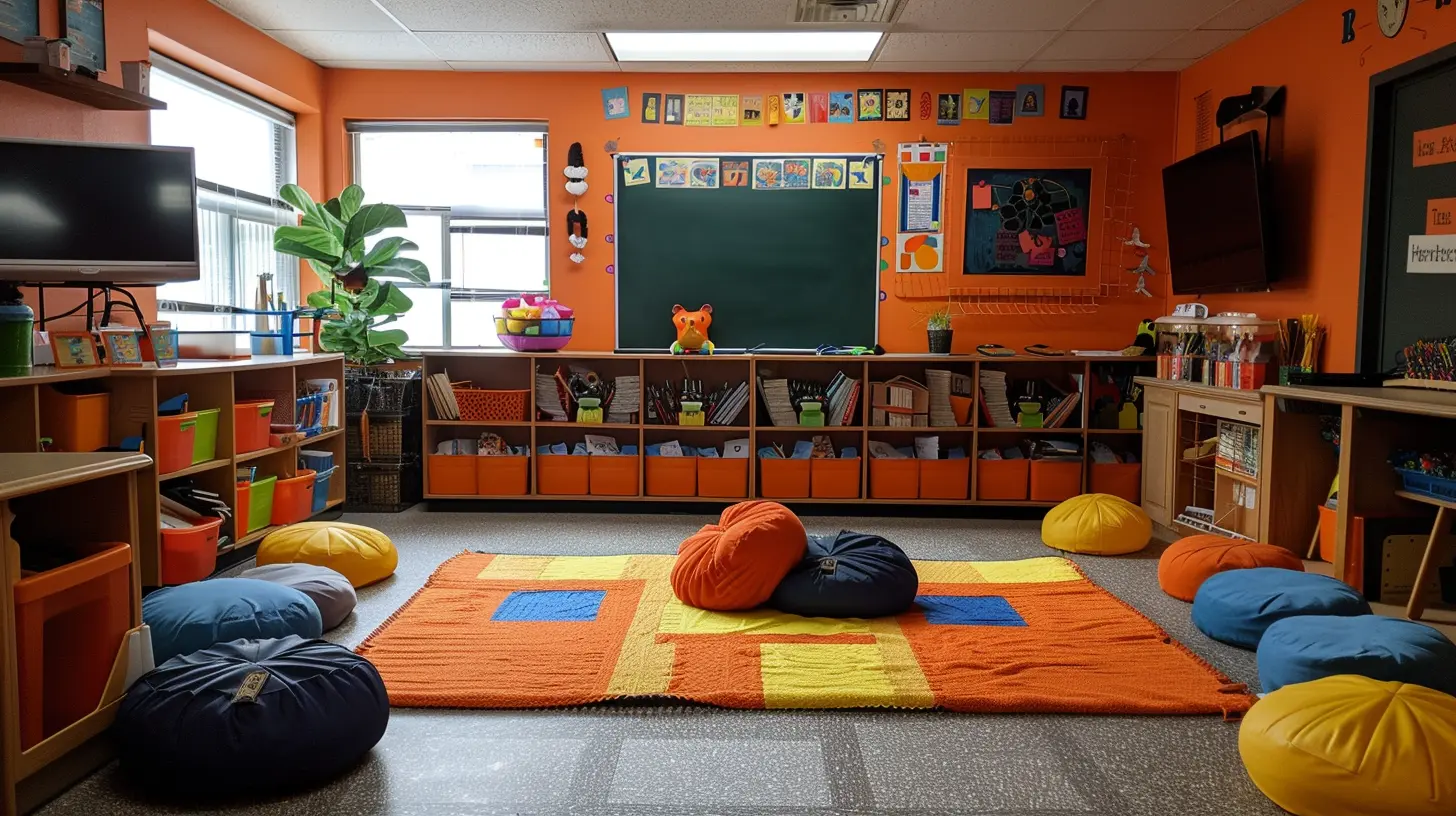
Before we get into the nitty-gritty of how to use them, let’s clarify what learning stations are. Think of learning stations as different "mini-classrooms" or areas within your classroom, each offering a specific task or activity. These tasks are designed to target various learning styles, skill levels, or subject areas.For example, one station might focus on a hands-on activity, another on reading or writing, and another on technology-based learning. Students rotate through these stations, engaging with the material in a variety of ways. It’s kind of like a buffet of learning options—there’s something for everyone, and they can take what works best for them.
Why Use Learning Stations?
You might be asking yourself, “Why should I even bother with learning stations?” Well, let me paint you a picture. Imagine you’re trying to teach a math lesson where some students already know the basics, while others are struggling just to grasp the concept. If you teach to the middle, you risk boring the advanced students and frustrating the ones who need extra help.Learning stations solve this problem by allowing you to differentiate your instruction. You can create stations that cater to different levels of understanding or different ways of learning, ensuring that every student is both challenged and supported.
The Benefits of Learning Stations for Differentiated Instruction
1. Personalized Learning
One size definitely doesn’t fit all when it comes to education. Learning stations allow you to design activities that are tailored to individual student needs. Whether a student is a visual learner, kinesthetic learner, or prefers reading, there’s a station for that!2. Student Autonomy
Learning stations empower students to take ownership of their learning. They can work at their own pace, choose the activities that suit their learning style, and even collaborate with peers. This autonomy fosters independence and encourages students to become lifelong learners.3. Increased Engagement
Let’s face it—students get bored when they’re sitting in the same spot for an hour-long lecture. Learning stations break up the monotony and keep things fresh. The variety of tasks and movement between stations helps to maintain student interest and engagement.4. Collaborative Learning
Stations often involve group work, and this collaboration allows students to learn from each other. Peers can offer different perspectives and problem-solving strategies, enriching the learning experience for everyone involved.5. Teacher Flexibility
As the teacher, you’re not stuck at the front of the classroom the entire time. You can move around, observe how students are interacting with the material, and provide targeted support where needed. This flexibility allows for more meaningful teacher-student interactions.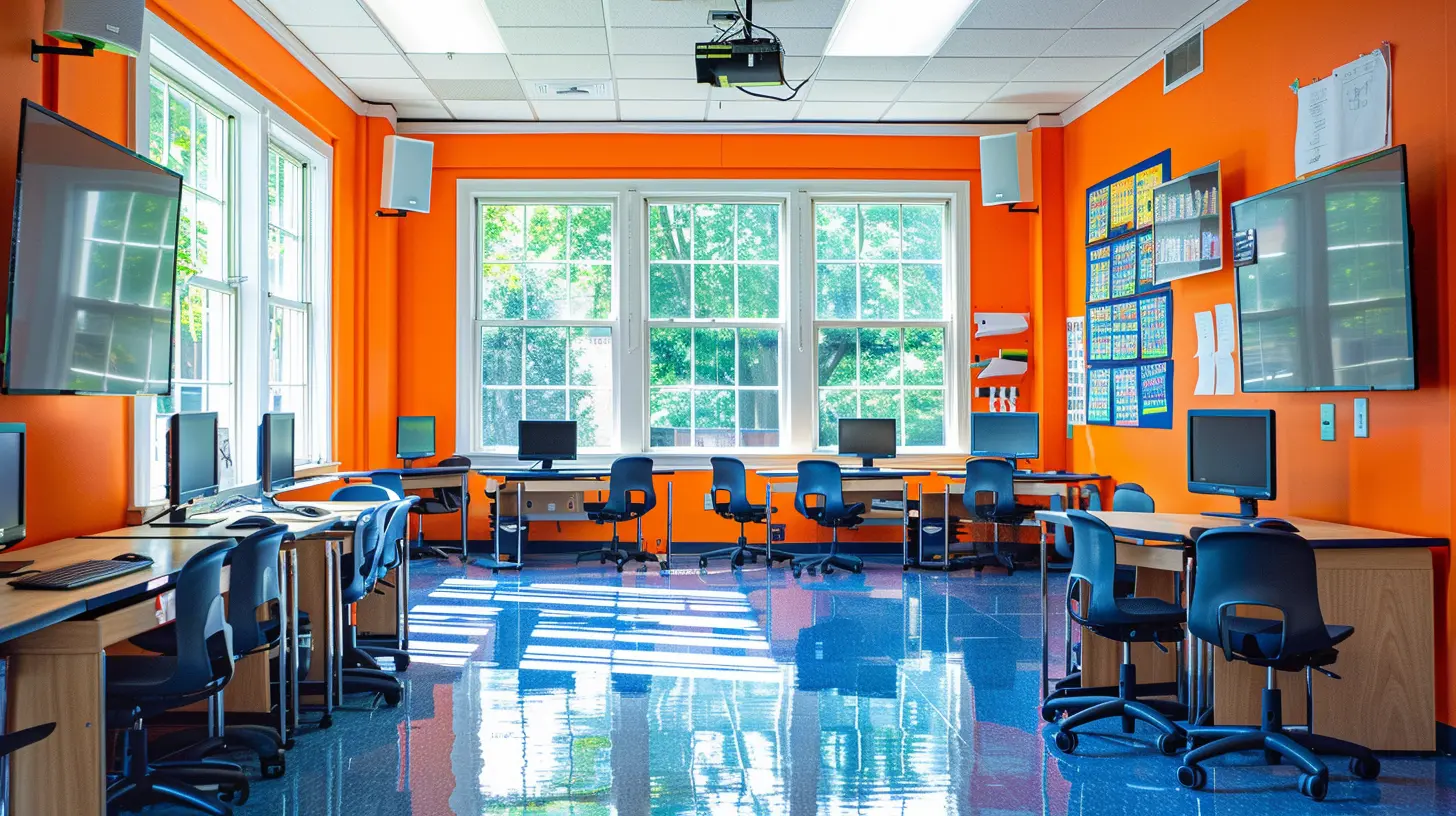
How to Set Up Learning Stations
Now that you know why learning stations are fabulous, let’s get into the practical side of things. How do you actually set them up in your classroom?1. Start with Clear Learning Objectives
Before you even think about setting up your stations, you need to know what your learning objectives are. What do you want your students to learn? What skills should they acquire by the end of the lesson? Your stations should align with these goals.For example, if your objective is for students to understand the water cycle, you might have one station where they watch a video, another where they read an article, and another where they conduct a hands-on experiment.
2. Design Different Types of Stations
When planning your stations, variety is key. You want to appeal to different learning styles, so don’t just have four reading stations. Consider incorporating different types of activities:- Reading/Research Stations: Students read articles or textbooks and answer questions.
- Hands-On/Experiential Stations: Students complete an activity or experiment.
- Technology-Based Stations: Students use tablets or computers for interactive learning games or research.
- Creative Stations: Students can draw, model, or create something related to the lesson.
- Collaboration Stations: Students work in groups to solve problems or complete tasks.
3. Establish Clear Instructions
Chaos is the last thing you need in your classroom, so make sure each station has clear, easy-to-follow instructions. You could write them on a whiteboard or print them out and place them at each station.Also, let your students know how much time they have at each station, and what kind of work or output (e.g., a worksheet, drawing, or project) is expected by the end.
4. Determine the Rotation Schedule
How will students move from one station to the next? You can either have them rotate after a set time (e.g., 10 minutes per station), or you can allow them to move at their own pace. If you choose timed rotations, make sure you have a signal (like a bell or a timer) that lets students know it’s time to switch.5. Group Your Students Strategically
Grouping is critical to the success of learning stations. You can group students based on their skill level, learning style, or even randomly, depending on your goal. If you’re focusing on differentiated instruction, you might want to group students by ability so that you can provide more targeted activities at certain stations.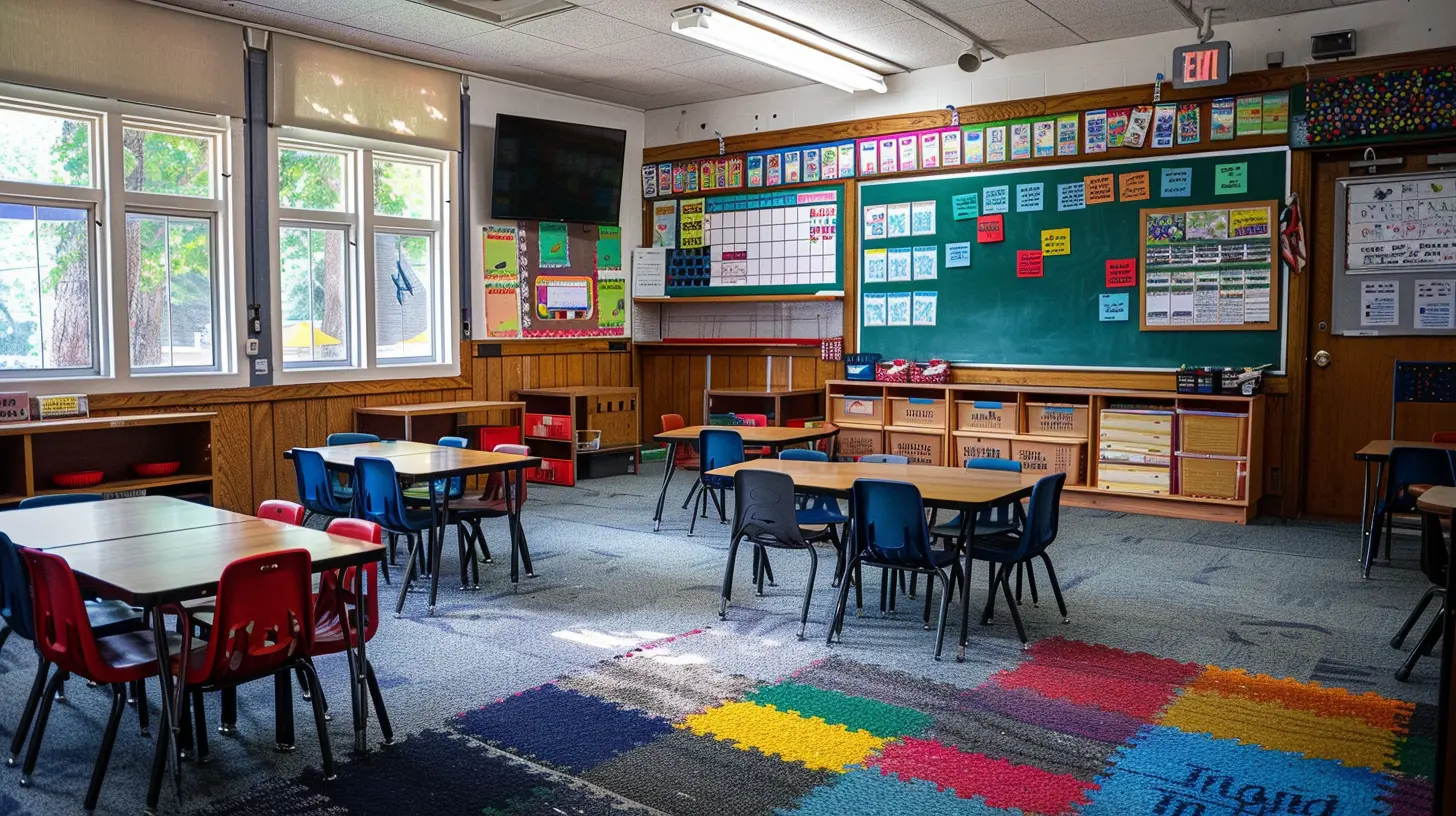
Types of Learning Stations for Differentiated Instruction
Now let’s get into some specific ideas for station activities. Here are a few types of stations that can be easily adapted to any subject or grade level.1. Skill-Based Stations
These stations focus on building specific skills, like math facts or reading comprehension. You can create different levels of difficulty for different groups of students. For example, one group might be working on basic addition, while another is tackling more complex word problems.2. Interest-Based Stations
Let your students’ interests guide their learning. For instance, if you’re teaching a unit on ecosystems, you could have one station for students who are fascinated by animals, another for those interested in plants, and a third for those who want to learn about environmental impact.3. Learning Style Stations
Cater to different learning styles by creating stations that appeal to visual learners, auditory learners, and kinesthetic learners. Visual learners could work on diagrams, auditory learners could listen to podcasts, and kinesthetic learners could engage in an experiment or activity.4. Assessment Stations
Use one or more stations as a way to assess student understanding. This could be through quizzes, reflections, or even peer assessments. It’s a low-pressure way to gauge how well your students are grasping the material.Tips for Managing Learning Stations
Let’s be real—learning stations can get chaotic if they’re not managed properly. Here are some tips to keep things running smoothly.1. Practice, Practice, Practice
Before you dive into your first full lesson with learning stations, practice the process with your students. Teach them how to move between stations, how to manage their time, and how to interact with the materials.2. Set Clear Expectations
Make sure your students know what’s expected of them at each station. What are the rules for talking? How much work should they complete? Can they ask for help? By clarifying these expectations upfront, you’ll prevent a lot of potential problems.3. Monitor and Adjust
Walk around the room and keep an eye on how things are going. If one station is too challenging or too easy, don’t be afraid to make adjustments on the fly. Flexibility is key!4. Incorporate Reflection Time
At the end of the lesson, take a few minutes for students to reflect on what they learned at each station. This could be done in the form of a journal entry, a group discussion, or even a quick exit ticket. Reflection helps solidify the learning and gives you valuable feedback on how well the stations worked.Conclusion: Why Learning Stations Are Worth Trying
Learning stations are an incredibly effective way to implement differentiated instruction. They allow you to meet the diverse needs of your students in a way that’s engaging, flexible, and fun. Whether you’re teaching science, math, reading, or history, you can create stations that cater to different learning styles, skill levels, and interests.The best part? Learning stations put the power of learning back in the hands of your students. They get the autonomy to explore the material in a way that works best for them, all while you get the freedom to move around and provide targeted support. It’s a win-win for everyone!
So, are you ready to give learning stations a try in your classroom? You just might find that this strategy is the secret sauce to unlocking your students' full potential.
all images in this post were generated using AI tools
Category:
Differentiated InstructionAuthor:

Olivia Chapman
Discussion
rate this article
2 comments
John Wheeler
This article offers valuable strategies for implementing learning stations, fostering engagement and catering to diverse student needs effectively. Great insights!
February 11, 2026 at 12:37 PM
Olivia Chapman
Thank you for your positive feedback! I'm glad you found the strategies helpful for engaging students and addressing diverse needs.
Diesel Moses
Learning stations? Absolutely! But remember, just throwing activities at kids won't cut it. If you’re not ready to engage and inspire, you might as well be handing out nap-time mats instead of fostering true learning!
February 2, 2026 at 1:22 PM
Olivia Chapman
Absolutely! Engaging and inspiring students is key to the success of learning stations. Thoughtful planning and interaction make all the difference in fostering meaningful learning experiences.