Virtual Classroom Etiquette: What Every Student and Teacher Should Know
22 January 2026
So, you're jumping into a virtual classroom. Whether you're a student logging into your 8 a.m. history class or a teacher about to run a full-day digital lecture marathon, you're not alone in wondering—"Am I doing this right?"
The shift from traditional face-to-face learning to online classrooms didn't just change how we connect; it changed everything about classroom dynamics. No more chalkboards. No more whispering behind the teacher's back (well, now it's just muted mics). But with all this change comes a very important piece: virtual classroom etiquette.
You wouldn't show up to a physical classroom in your pajamas or start chewing loudly during a lecture, right? The same goes for online classes but in a whole new context. So let’s dive into the do’s and don’ts, the must-have manners, and the unspoken rules every student and teacher should know in the virtual world.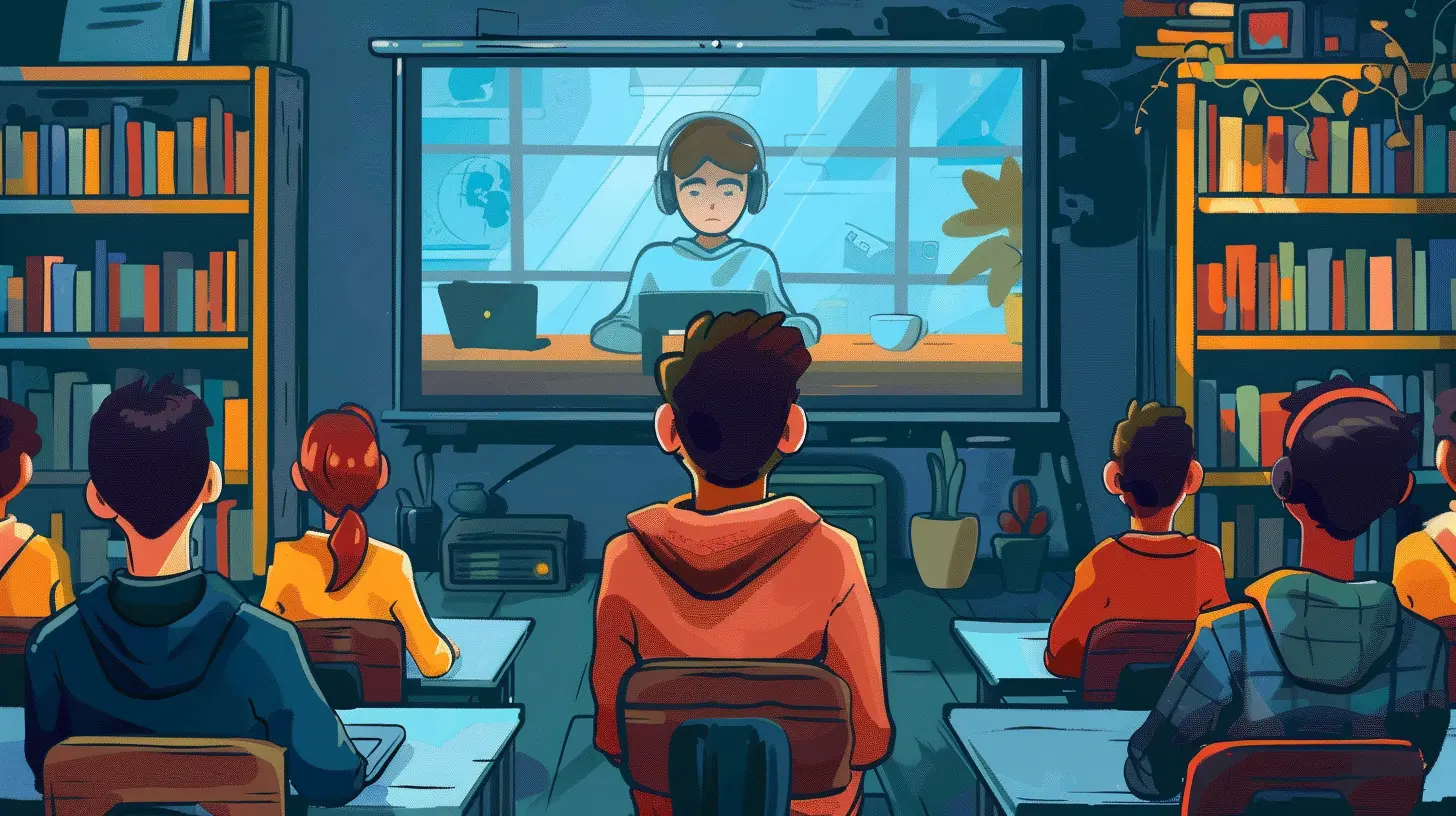
Why Virtual Classroom Etiquette Even Matters
Let’s face it: online classes can feel weird. You're sitting at home, possibly in bed, with your camera off, listening to someone talk for an hour. It’s easy to forget you’re still part of a community. That’s where etiquette comes in.Think of virtual etiquette like Wi-Fi—when it’s working, everything runs smoothly. But when it’s not... chaos.
Good manners in an online classroom:
- Show respect for everyone involved
- Make learning smoother and more enjoyable
- Help avoid awkward or disruptive situations
For Students: Virtual Classroom Etiquette 101
1. Be On Time—Yes, Even Online
Just because your classroom is a click away doesn’t mean you can stroll in late. Being on time shows you care. It tells your teacher and classmates, "I’m here, I'm ready, and I respect your time."Want a tip? Log in five minutes early. Use that time to check your audio, grab water, or just breathe before class starts.
2. Dress Like You’re In School (At Least From the Waist Up)
We get it—you’re at home. But rolling out of bed with bedhead and pajamas isn't the vibe. You don’t need a suit and tie, but looking presentable counts. Imagine your camera turns on accidentally… yikes.Keep it low-key professional. A fresh tee, combed hair, and you’re golden.
3. Know When to Mute and Unmute
Golden rule: Mute when you’re not speaking. No one wants to hear your dog barking, your siblings fighting, or your mom vacuuming. It’s distracting and, honestly, a bit awkward.But—don’t stay muted forever. If you have something to say, unmute, speak clearly, and then hop back on mute. It's like a mic drop… but polite.
4. The Chat Box Isn’t a Group Text
The chat feature can be super handy: asking questions, answering polls, throwing in quick feedback. But it’s not for inside jokes or side convos. Save that for after class.Treat it like raising your hand—if you wouldn’t say it out loud in class, don’t type it in the chat.
5. Use Headphones (Seriously, Just Do It)
Headphones aren't just about keeping things quiet. They:- Block external noise
- Prevent audio feedback
- Help you focus
Plus, you won’t have to hear your neighbor’s lawn mower over your teacher’s voice. Win-win.
6. Body Language Still Matters
Even online, people can tell when you're checked out. Slouching, staring at your phone, or yawning into the camera gives off serious "I’d rather be anywhere else" energy.Sit upright, nod along, smile occasionally—it reminds your teacher you’re alive and engaged.
7. Don’t Multitask (We Know, It’s Tempting)
Yes, your browser has 12 tabs open. No, you don’t need to check Instagram during class.Multitasking might feel productive, but it actually divides your attention. You’ll end up understanding half of the lesson and remembering none of it. Ouch at exam time.
For Teachers: Setting the Tone for Online Etiquette
It’s not just students who need a refresher. Teachers also play a big role in shaping the virtual learning environment.1. Lead By Example
Want students to show up on time and be respectful? Be that example. Start class promptly, greet everyone with a smile (camera-on, of course), and model the behavior you expect.Your tone sets the room—even a virtual one.
2. Set Clear Expectations From Day One
Don’t expect students to follow rules they’ve never heard. Lay it all out:- Camera on or off?
- How should they ask questions?
- Is participation graded?
Put it in the syllabus. Say it out loud. Email it weekly. Clarity is your best friend.
3. Keep Your Background Professional (or Use a Virtual One)
We’ve all seen that teacher whose laundry pile creeped into view. Not a good look.Choose a clean, quiet, well-lit space. Or go wild with a virtual background—it could even be Hogwarts. Just make sure it’s appropriate and doesn’t distract from your lesson.
4. Don’t Lecture for an Hour Straight
Attention spans online? They’re shorter than a TikTok dance trend. Break things up:- Use polls
- Ask quick discussion questions
- Throw in breakout rooms
Getting students involved turns a boring monologue into a lively class.
5. Encourage Camera Use, Don’t Demand It
Yes, it’s easier to teach to a sea of faces than profile pictures. But everyone has their own reasons for keeping the camera off—tech issues, privacy, anxiety.Instead of forcing it, encourage it:
- “It’s great seeing your faces—it helps me connect with you!”
- “No pressure, but if you feel comfortable, turn your camera on.”
A little understanding goes a long way.
6. Be Patient With Tech Glitches
Frozen screens, lagging audio, dropped connections—it happens. Instead of losing your cool, roll with it. Have a backup plan:- Record sessions
- Share slides
- Give extra time for assignments when tech fails
Compassion is key in a digital classroom.
Shared Responsibilities: What Both Students and Teachers Should Do
1. Communicate Clearly and Often
Questions? Confused? Need a break? Say it.Whether you’re a student asking for help or a teacher checking in—open communication keeps things running smoothly. Don’t assume. Ask. Clarify. Repeat if needed.
2. Respect Each Other's Time and Space
This isn’t just about being punctual. It’s about boundaries too.Teachers: Don’t assign last-minute tasks at midnight.
Students: Don’t email your teacher 20 times in one day.
We’re all human. Virtual or not, respect still applies.
3. Keep Distractions to a Minimum
Dogs, phones, snacks—they all pull you out of the moment. Do your best to create a distraction-free space. It helps everyone stay focused and reduces the number of interruptions for the group.Not perfect? That’s okay. Just make the effort.
4. Give Feedback Politely
If someone messes up—or something isn’t working—don’t roast them. Virtual classrooms are a learning curve for everyone.Instead of “This class sucks,” try:
- “Could we maybe try shorter lessons with more breaks?”
- “Would it be okay if we had more time for discussion?”
Kindness + feedback = progress.
Virtual Classroom Etiquette in a Nutshell
Let’s sum it all up. Whether you’re the teacher or the student, remember:- Be present (physically and mentally)
- Communicate clearly
- Respect each other’s time and space
- Use your tools wisely (mute button, chat box, camera, etc.)
- Stay engaged—even if the couch is calling your name
Virtual etiquette isn’t about being perfect. It’s about being thoughtful, respectful, and human in a digital space. And if we all chip in? Online learning stops feeling like a chore and starts feeling… well, kinda awesome.
So, next time you log in for class, just ask yourself: “Am I the kind of online classmate I’d want to sit next to—even if virtually?”
If the answer’s yes, you’re doing it right.
all images in this post were generated using AI tools
Category:
Virtual ClassroomsAuthor:

Olivia Chapman
Discussion
rate this article
2 comments
Noora Diaz
Exciting tips for a positive virtual learning experience!
February 11, 2026 at 4:41 AM
Olivia Chapman
Thanks! I'm glad you found the tips helpful. Positive experiences make a big difference in virtual learning.
Aaron Butler
Virtual classrooms aren't a free-for-all! Keep your mic muted, camera on, and your sass in check—let’s keep it educational, not chaotic!
February 4, 2026 at 11:32 AM
Olivia Chapman
Absolutely! Maintaining a respectful environment is key for effective learning in virtual classrooms. Let's all contribute to a positive experience!